Presentations normally allow 15 minutes per presentation. Your exact slot and Q&A arrangements will be included in your presenter instructions.
Programme note
The programme is prepared from accepted and registered presentations and is emailed to registered participants when it is ready.
Oral

At a glance
You present your research in person at the venue and may use slides. Oral presentations normally allow 15 minutes; your session and Q&A arrangements are confirmed in your presenter instructions.
Essential preparation checklist
- Rehearse so your talk fits within your allocated time.
- Prepare your slides as PowerPoint or PDF, and check that any embedded media plays correctly.
- Bring a backup copy on a USB drive.
- Name your file with your family name and, once known, your session.
- Arrive early to set up and test your presentation, following the timing in your presenter email.
Slide and delivery advice
Use readable fonts and limited text
So the audience can listen rather than read.
Choose purposeful figures and charts
That support one point each.
Ensure strong contrast
So slides remain legible in a bright room.
Follow a clear sequence
Context, method, findings and conclusion, so the audience can follow your argument.
Explain specialist terms
As your audience comes from different disciplines.
Rehearse aloud
To check your timing and transitions.
Equipment and technical assistance
Let us know in advance what equipment you need, and we will confirm what is available. If you have special requirements, please contact us before the conference.
Practical notes
Your presenter instructions explain how to provide your slides. Please do not send slides through the submission update form.
Poster
At a glance
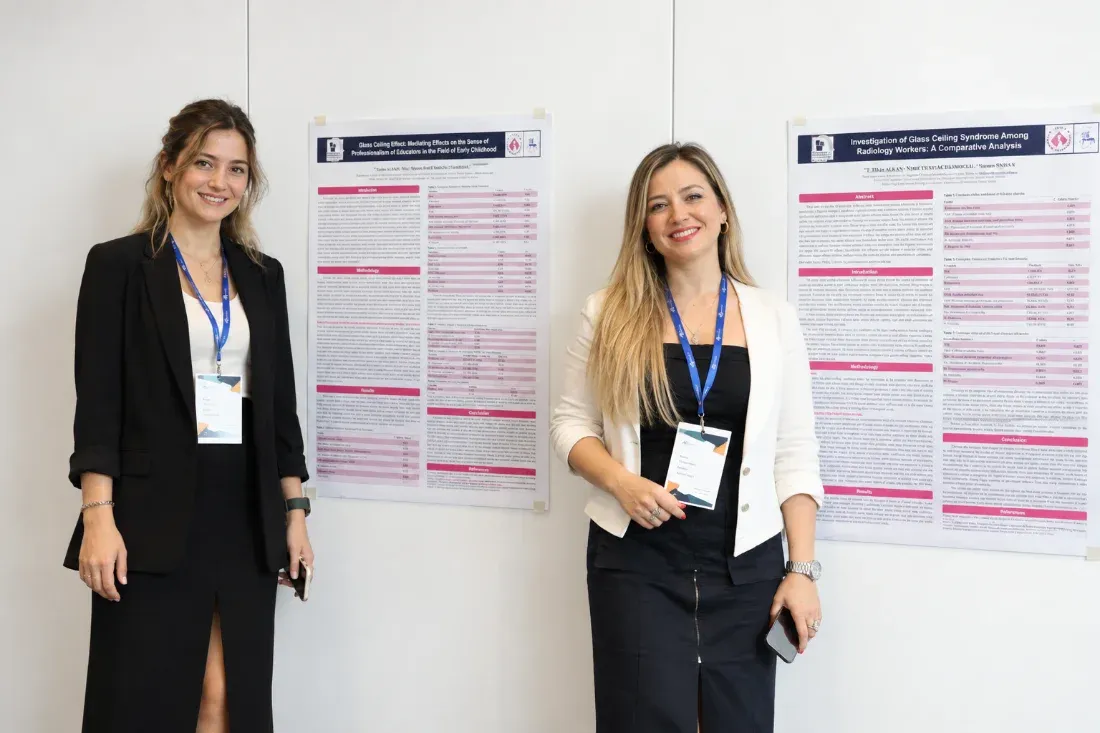
Your poster presents your research visually at the venue. During the poster session, stay with your poster to explain your work and answer questions from participants.
Printing and display
- Print your poster yourself and bring it with you to the conference.
- Posters are mounted on the boards provided at the venue.
- Please avoid foam board, thick or multi-layered materials and pushpins.
Design advice
Title, authors and affiliations
Place the title, author names and affiliations clearly at the top.
Concise structure
Present the research question, methods, findings and conclusion concisely.
High-resolution figures
Use high-resolution figures and charts that are easy to read.
Readable text sizes
Choose text sizes that can be read from a distance. Ask a colleague to review your poster for clarity before printing.
Attendance and changes
Please attend your assigned poster session. If you can no longer travel, contact us about switching to virtual participation before the conference; a switch is not automatic.
Virtual

At a glance
You join the session live online and share your presentation. The academic process is the same as for in-person presenters: submission, review, acceptance, then registration and payment.
Technical checklist
- A reliable internet connection
- A tested microphone and camera
- Screen sharing tested with your slides and any media
- A quiet space with good lighting
- Notifications closed on your device
- The platform tested in advance, using the instructions in your email
Timing and joining instructions
Virtual presentations normally allow 15 minutes. Your session time in Paris time, private joining details and early-joining instructions are emailed to you as a registered presenter.
Certificates and publication
Registered virtual presenters receive their certificates under the same registration rules as other participants. Publication follows the same conditions: accepted and registered abstracts appear in the ISBN Abstract Book, eligible full papers that pass double-blind review appear in the proceedings, and journal opportunities depend on editorial decisions.
No paper to present? Join as a Listener.
Attend in person, learn from the presentations, join discussions and meet other participants. No abstract or paper submission is required.
Choose Listener under participation type.